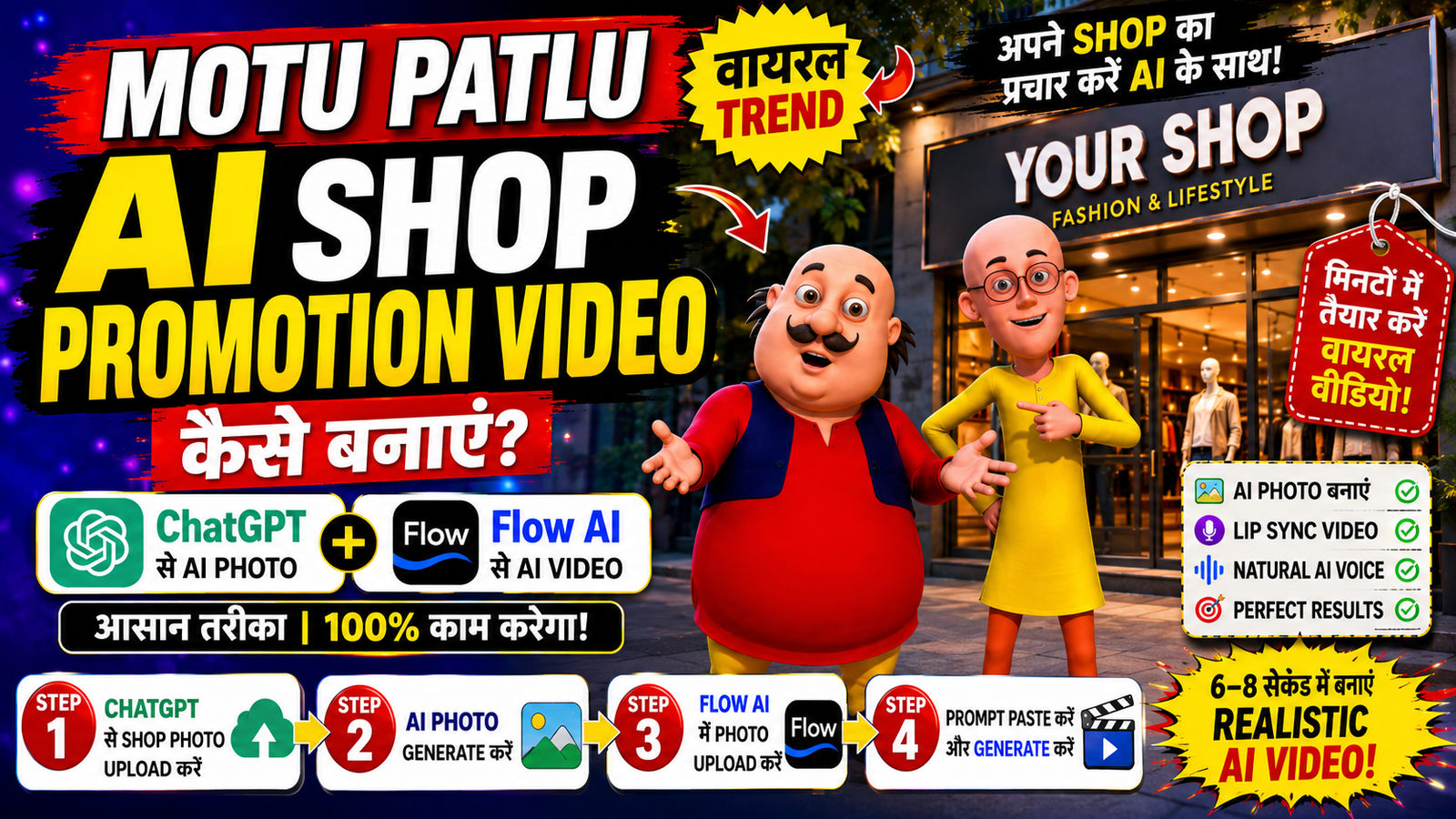
Motu Patlu AI Shop Promotion Video कैसे बनाएं? ChatGPT और Flow AI से मिनटों में तैयार करें वायरल बिजनेस प्रमोशन वीडियो
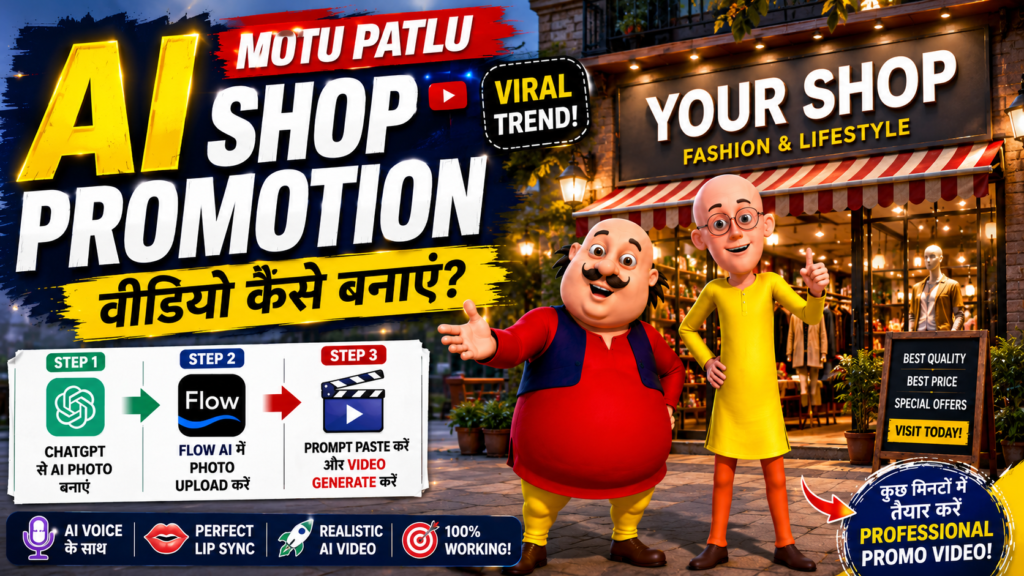
Motu Patlu AI Shop Promotion Video Trend क्या है?
आज के समय में AI वीडियो का इस्तेमाल तेजी से बढ़ रहा है। Instagram Reels, Facebook और YouTube Shorts पर आपने ऐसे कई वीडियो देखे होंगे, जिनमें Motu और Patlu किसी दुकान, शोरूम या मॉल के बाहर खड़े होकर उस बिजनेस के बारे में बात करते हैं। वीडियो में वे दुकान का नाम लेते हैं, वहां मिलने वाले प्रोडक्ट या सर्विस की जानकारी देते हैं और लोगों को वहां आने के लिए आमंत्रित भी करते हैं।
यही वजह है कि अब कई छोटे और बड़े बिजनेस मालिक अपने स्टोर का प्रचार करने के लिए इस नए AI ट्रेंड का इस्तेमाल कर रहे हैं। अगर आप भी अपने शॉप, स्टोर, शोरूम या किसी लोकल बिजनेस के लिए ऐसा वीडियो बनाना चाहते हैं, तो यह गाइड आपके लिए है। इस लेख में हम आपको आसान भाषा में बताएंगे कि ChatGPT की मदद से AI इमेज और Flow AI की सहायता से उसी इमेज को बोलने वाली वीडियो में कैसे बदला जा सकता है।
Motu Patlu AI Shop Promotion Video क्यों हो रहा है वायरल?
यह ट्रेंड लोगों को इसलिए पसंद आ रहा है क्योंकि इसमें असली दुकान और AI कैरेक्टर का बेहतरीन कॉम्बिनेशन देखने को मिलता है। वीडियो ऐसा लगता है जैसे Motu और Patlu वास्तव में आपकी दुकान के सामने खड़े होकर ग्राहकों से बात कर रहे हों।
इस तरह के AI प्रमोशन वीडियो में आप अपनी जरूरत के अनुसार कई चीजें जोड़ सकते हैं।
- दुकान या शोरूम का नाम
- available प्रोडक्ट्स की जानकारी
- ऑफर और डिस्काउंट
- लोकेशन
- ग्राहकों को विजिट करने का निमंत्रण
ऐसे वीडियो सोशल मीडिया पर जल्दी लोगों का ध्यान आकर्षित करते हैं और बिजनेस प्रमोशन का एक नया तरीका बन चुके हैं।
Step 1:ChatGPT से Motu Patlu AI Photo कैसे बनाएं?
वीडियो बनाने से पहले आपको एक AI फोटो तैयार करनी होगी। यही फोटो आगे वीडियो बनाने में इस्तेमाल होगी।
सबसे पहले अपनी दुकान, स्टोर, मॉल या शोरूम की एक साफ और अच्छी क्वालिटी वाली फोटो तैयार रखें।
अब इमेज जनरेट करने वाला Prompt कॉपी करें।
इसके बाद ChatGPT खोलें और ‘+’ आइकन पर क्लिक करके अपनी दुकान की फोटो अपलोड करें।
अब फोटो के साथ कॉपी किया गया Prompt पेस्ट करें। यदि चाहें तो अपने बिजनेस का नाम या कुछ अतिरिक्त जानकारी भी जोड़ सकते हैं।
Prompt भेजने के कुछ समय बाद ChatGPT आपकी फोटो के आधार पर एक नई AI इमेज तैयार कर देगा, जिसमें Motu और Patlu आपकी दुकान के बाहर खड़े दिखाई देंगे।
जब इमेज तैयार हो जाए, तो उसे अपने डिवाइस में डाउनलोड कर लें।
Downlpoad Motu Patlu AI Photo
Motu Patlu AI Photo Prompt 1
Create a realistic 9:16 image by combining the uploaded Motu Patlu photo with this shop photo. Place Motu Patlu naturally standing in front of this shop as if they are promoting it. Keep the shop exactly the same without changing any details. Use realistic lighting, shadows, perspective, and seamless blending. Make the image ultra-detailed, cinematic, photorealistic, and in 4K quality
Motu Patlu AI Photo Prompt 2
Use the uploaded cartoon characters from the first image and naturaly place them into the uploaded location from the second image as if they are visiting the place together. Preserve their exact appearance, proportions, colors, facial expressions, clothing, and art style. Blend them seamlessly into the environment with realistic perspective, scale, lighting, shadows, and depth so they look naturaly present at the location. Do not modify the background or the characters beyond what is needed for realistic integration. The final image should look like a genuine photo of the two cartoon characters visiting the location.
VIDEO PROMPT:
Prompt: Use the uploaded image as the starting frame. The two cartoon characters must remain exactly identical to the uploaded reference throughout the video, preserving their facial features, body proportions, clothing, colors, expressions, and original cartoon art style. The shop exterior and branding should also remain unchanged. Create a 6–8 second cinematic advertisement. The camera begins with a smooth slow doly-in toward the shop while both characters stand naturaly in front of the entrance, smiling and interacting with the viewer. Their body language should be energetic, friendly, and expressive with natural hand gestures, eye contact, blinking, and subtle idle movements. Add realistic environmental motion such as a gentle breeze, moving shadows, slight cloth movement, and natural lighting. The camera movement should be smooth and professional with no sudden cuts.
Dialogue (Hindi)
Motu: “Namaste dosto!
Aaj hum aaye hain [SHOP_NAME, LOCATION] mein!”
Patlu: “Yahan aapko [SELLING_ITEMS] mil jayenge!”
Motu: “Toh der kis baat ki? Aaj hi visit kijiye [SHOP_NAME!] “
The dialogue must be perfectly lip-synced to each character’s mouth movements with expressive facial animation. Motu should have a cheerful, energetic voice, while Patlu should sound confident, friendly, and informative. Use natural Indian Hindi pronunciation. The shop sign, surroundings, and uploaded image composition should remain consistent with the source image. Do not add or remove buildings or major objects. Keep the advertisement bright, clean, family-friendly, and colorful, with realistic ambient market sounds softly in the background while keeping the dialogue crystal clear. End with both characters smiling, pointing toward the shop entrance, and giving a welcoming gesture toward the viewers.
Flow AI से Motu Patlu AI Video कैसे बनाएं?
AI फोटो तैयार होने के बाद उसे वीडियो में बदलने के लिए Flow AI की वेबसाइट खोलें और Create विकल्प चुनें।
अब Video ऑप्शन पर क्लिक करें और ‘+’ आइकन की मदद से ChatGPT से बनाई गई AI फोटो अपलोड करें।
इसके बाद वीडियो Prompt को Prompt बॉक्स में पेस्ट करें।
यदि आप चाहें तो यहां अपने बिजनेस के अनुसार डायलॉग बदल सकते हैं, जैसे—
- दुकान का नाम
- प्रोडक्ट की जानकारी
- ऑफर
- सर्विस
- संपर्क विवरण
अब Generate बटन पर क्लिक करें।
कुछ ही समय में Flow AI आपकी फोटो को एक रियलिस्टिक AI वीडियो में बदल देगा।
वीडियो की खास बात यह होती है कि इसमें AI Voice अपने आप तैयार होती है और Lip Sync भी काफी नेचुरल दिखाई देता है, जिससे ऐसा लगता है कि Motu और Patlu वास्तव में आपकी दुकान का प्रचार कर रहे हैं।
इस AI वीडियो का इस्तेमाल कहां कर सकते हैं?
अगर आपका कोई बिजनेस है, तो इस तरह का वीडियो कई प्लेटफॉर्म पर इस्तेमाल किया जा सकता है।
- Instagram Reels
- Facebook Page
- YouTube Shorts
- WhatsApp Status
- Google Business Profile
- Local Business Promotion
- Digital Marketing Campaign
इस तरह का यूनिक कंटेंट ग्राहकों का ध्यान जल्दी आकर्षित करता है और सोशल मीडिया पर अच्छी Reach मिलने की संभावना भी बढ़ जाती है।
Motu Patlu AI Shop Promotion Video बनाते समय ध्यान रखें
बेहतर रिजल्ट पाने के लिए कुछ बातों का ध्यान रखना जरूरी है।
- दुकान की हाई क्वालिटी फोटो का उपयोग करें।
- Prompt में दुकान का सही नाम लिखें।
- डायलॉग छोटे और स्पष्ट रखें।
- वीडियो में केवल सही और वास्तविक जानकारी दें।
- Final Video को पोस्ट करने से पहले एक बार जरूर जांच लें।
Conclusion
अगर आप अपने बिजनेस को नए और आकर्षक तरीके से प्रमोट करना चाहते हैं, तो Motu Patlu AI Shop Promotion Video एक शानदार idea हो सकता है। ChatGPT की मदद से AI फोटो तैयार करके और Flow AI के जरिए उसे बोलने वाली वीडियो में बदलकर आप कुछ ही मिनटों में प्रोफेशनल प्रमोशनल कंटेंट बना सकते हैं।
अगर आप पहली बार AI वीडियो बना रहे हैं, तब भी इस steps को आसानी से फॉलो कर सकते हैं। सही Prompt, अच्छी फोटो और थोड़ा-सा एडिटिंग करके आप अपने शॉप, स्टोर, शोरूम या किसी भी लोकल बिजनेस के लिए वायरल स्टाइल का AI प्रमोशन वीडियो तैयार कर सकते हैं।